Introduction
Getting started with streaming can feel confusing, especially if you are new to it. Many sports clubs want to share their matches online but don’t know where to begin.
The good news is that a basic streaming setup doesn’t have to be complicated or expensive. With the right approach, even a small club can stream matches smoothly and reach a wider audience.
In this guide, you’ll learn how to create a simple streaming setup that works for beginners and helps your club grow.
Why Streaming is Important for Clubs
Today, not everyone can attend matches in person. Streaming helps clubs connect with players, families, and fans who are watching from different places.
A good streaming setup allows you to:
- Share matches in real time
- Build an online audience
- Increase club visibility
- Attract potential sponsors
Even a basic setup can make a big difference.
What You Need for a Streaming Setup
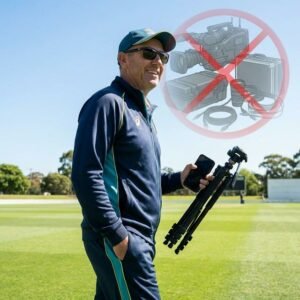
You don’t need expensive gear to get started. Here are the basic things required for a simple streaming setup.
Camera
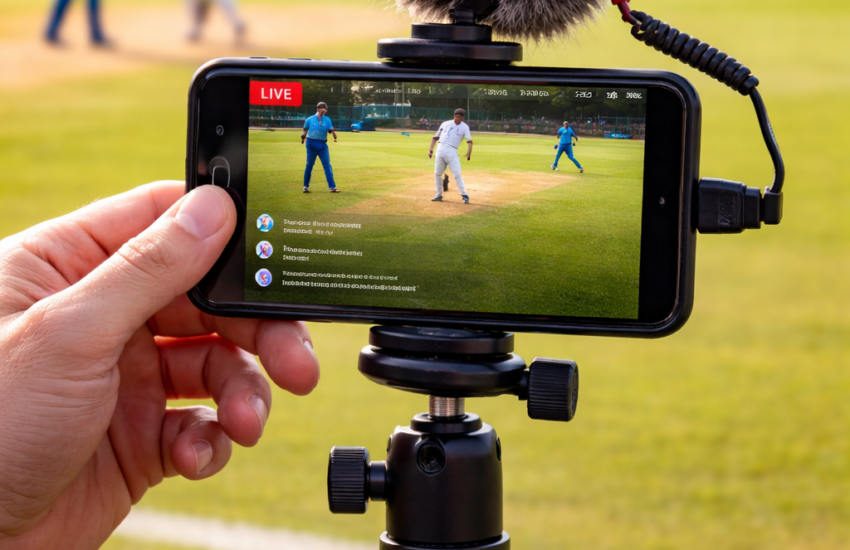
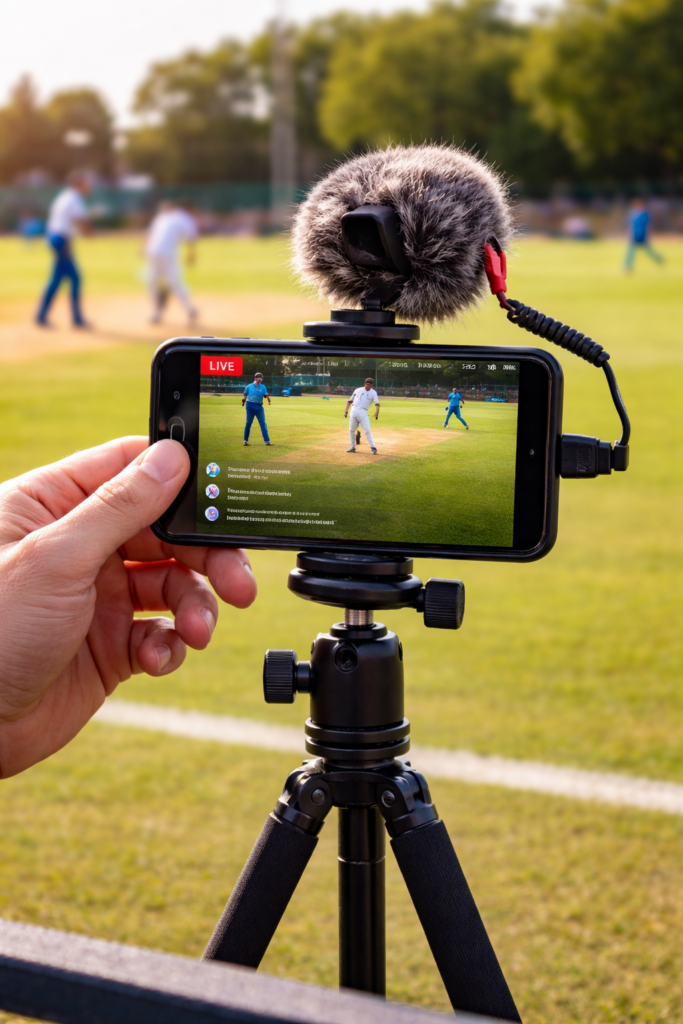
A smartphone is enough for beginners. It provides good video quality and is easy to use.
You can also use:
- Basic cameras
- Action cameras
Make sure the camera is stable. Using a tripod helps avoid shaky video.
Internet Connection
A stable internet connection is very important.
You can use:
- Mobile data
- Wi-Fi
Make sure your connection is strong enough to avoid interruptions.
Streaming Platform
You need a platform where your stream will go live.
Common options include:
- YouTubehttps://www.youtube.com/live
These platforms are easy to use and widely accessible.
Audio
Audio is often ignored, but it matters.
If possible:
- Use an external microphone
- Avoid too much background noise
Clear audio improves the overall viewing experience.
How to Create a Basic Streaming Setup
Setting up your stream is easier than you think. Follow these steps.
Step 1: Position Your Camera
Place your camera where the full ground is visible. A higher position usually works better.
Step 2: Check Your Internet
Before starting, test your internet speed. Make sure it’s stable.
Step 3: Open Your Platform
Go to your streaming platform and prepare your live stream.
Step 4: Start Streaming
Once everything is ready, start your stream and begin recording the match.
Tips to Improve Your Streaming Setup
Once you’re comfortable with the basics, you can improve your streaming setup.
Keep It Stable
Always use a tripod or fixed position.
Test Before Matches
Do a short test stream before going live.
Keep It Simple
Don’t try to add too many features at once.
Engage Viewers
Ask viewers to share and comment during the stream.
To make your stream more engaging, you can also learn how to use a score overlayhttps://clubsmaster.com/score-overlay/ in your matches.
Common Mistakes to Avoid
Many beginners make small mistakes while setting up their stream.
Avoid these:
- Poor internet connection
- Shaky camera
- Ignoring audio quality
- Not testing before streaming
Fixing these can instantly improve your stream quality.
How Streaming Helps Your Club Grow
A good streaming setup can help your club grow faster.
It allows you to:
- Reach more people
- Promote your team
- Build a strong online presence
Over time, this can even lead to sponsorship opportunities.
A well-planned streaming setup can also help clubs stay consistent with their content. When viewers know they can watch matches regularly, they are more likely to return and support the team. Over time, this consistency builds trust and helps create a loyal audience for your club.
Conclusion
Starting a streaming setup doesn’t have to be difficult. With a basic camera, internet connection, and platform, you can begin streaming your matches easily.
The key is to start simple and improve step by step. As your experience grows, your streams will become more professional and engaging.
For any sports club looking to expand its reach, streaming is a great place to start.